Set up Evaa in about 15 minutes
Six short steps, all inside the app — follow the pictures. Most owners finish in one session of about 10 minutes and are live in minutes; your free 3-day trial starts the moment Evaa answers your number.
Sign in to the app
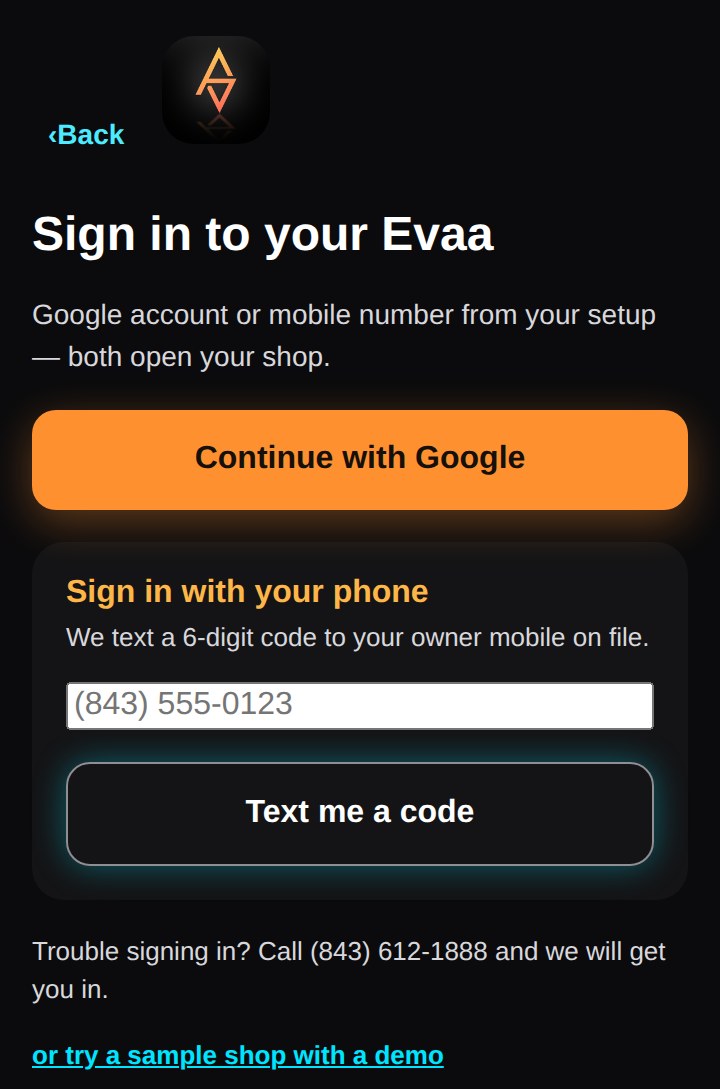
Open evaavoice.com/app and tap Continue with Google — use the Google account your shop's calendar already lives on. No password to remember, nothing to install first.
Tell us about your business
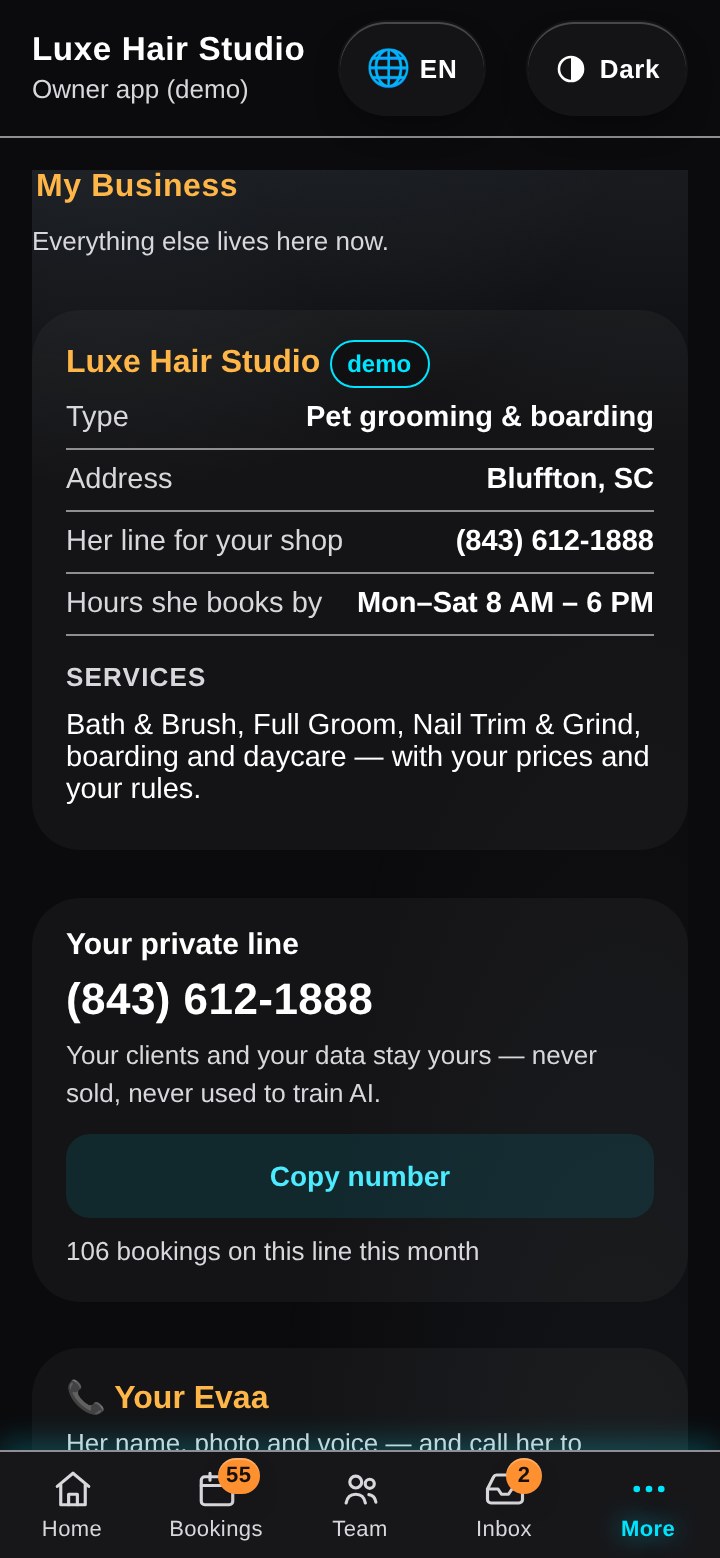
In My Business: your shop name, hours, services & prices, and who's on your team. This is exactly what Evaa quotes and books from — you can edit it any time.
Connect your calendar
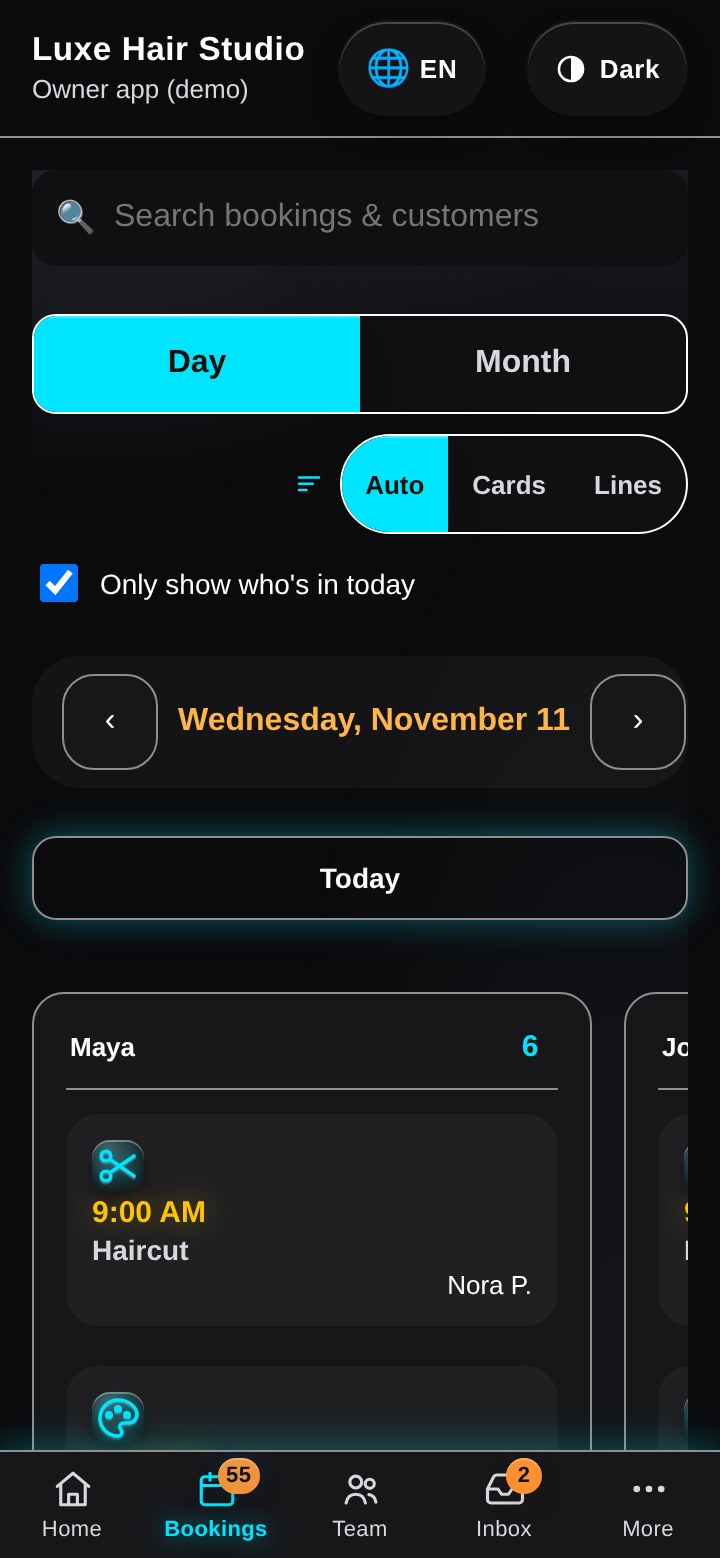
Bookings land on your one shared Google Calendar — the same calendar you already run your shop from. Evaa checks it before offering a time, so a booking never lands on top of another one.
Forward your business number to Evaa
Your number stays yours — calls simply route to Evaa first. Find your carrier below and dial the code with your Evaa number (we show it to you in the app). Not sure which applies? The app shows the right steps for your carrier.
Verizon
Dial *72 + your Evaa number, then press Call. Wait for the confirmation tone — done. To switch off later: *73.
AT&T
Dial *72 + your Evaa number, then press Call. Or on iPhone: Settings → Phone → Call Forwarding → your Evaa number. To switch off: *73.
T-Mobile
Dial **21* + your Evaa number + #, then Call. To switch off: ##21#.
Google Voice
Open voice.google.com → Settings (gear) → Calls: add your Evaa number under “Linked numbers” and turn on forwarding to it.
Any other provider
In your phone app or provider portal: Call forwarding → Always forward → your Evaa number.
Pick her voice
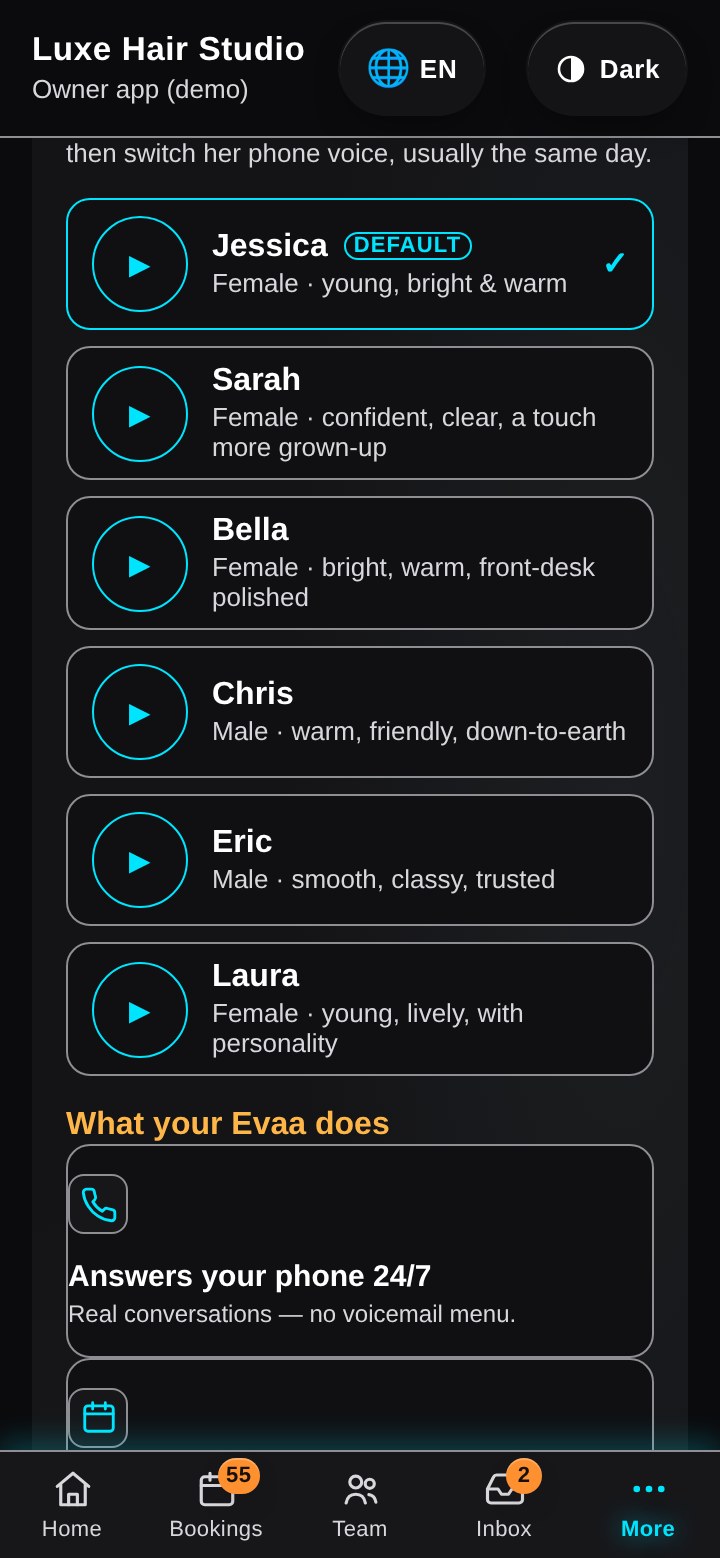
In the app, open Usage & plan → Her voice and tap ▶ to hear each one:
Jessica (default) · Sarah · Bella · Chris · Eric · Laura
Your pick saves instantly — we test her, then switch her phone voice, usually the same day. Change it any time.
Test call — then you’re live
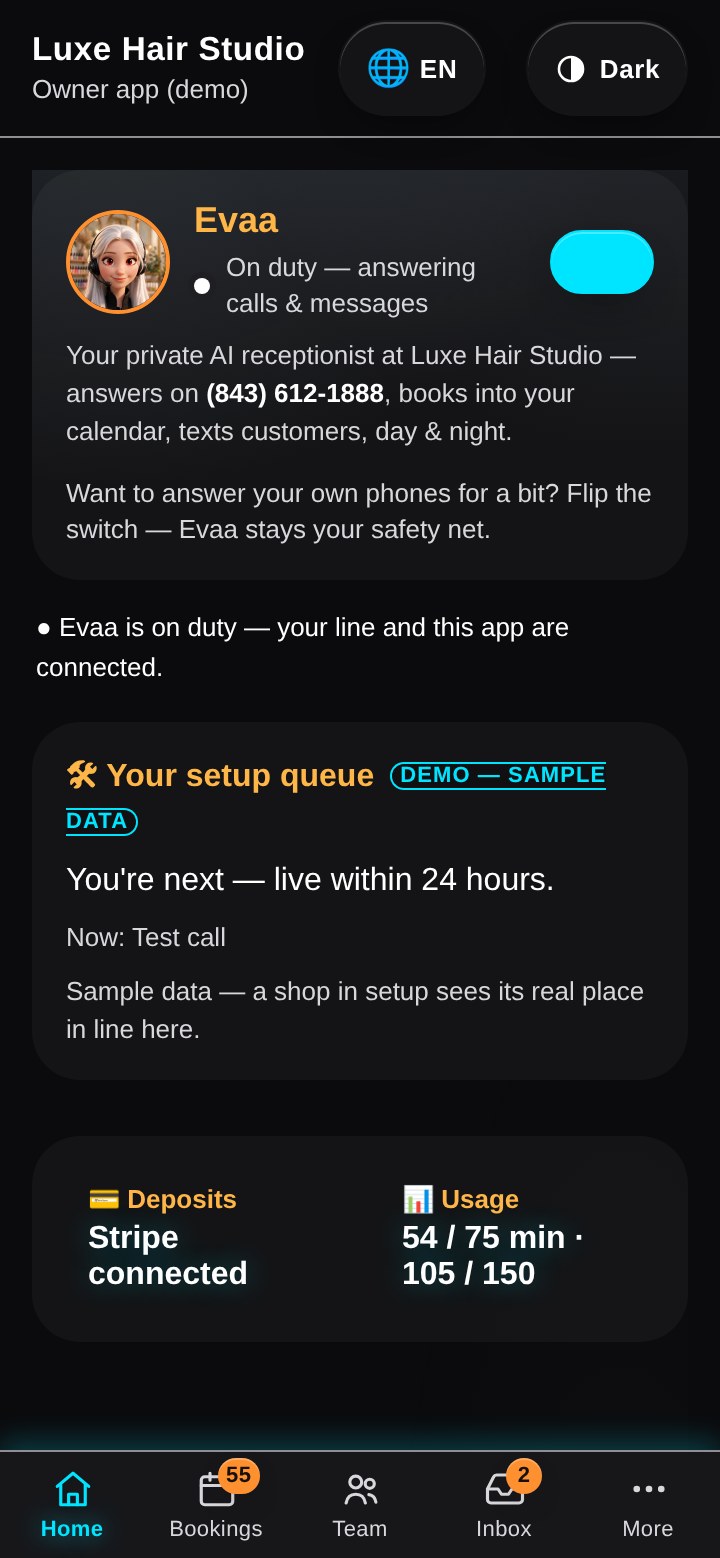
We test your setup before it goes live. The moment she's live, call your own number and book like a customer — that's when your free 3 days start. From then on she answers, books and texts from your app, day and night.
No perfect forms needed — send what you have
Setup doesn't need tidy typing. In the app you can send Evaa what you already have — she works from that.
Send what you have
Type it, send a photo of your price list, or leave a voice note in the app. Photos and voice notes are fine.
Evaa reminds you what's missing
Evaa checks your setup list and only asks for the pieces still missing. Nothing gets asked twice.
Complete = live
When the list is complete, we run a test call together and your Evaa goes live in that same session. Your free 3-day trial starts when she goes live.
Rather talk it through?
Skip the screens. Call (843) 612-1888 and Evaa will set you up by phone — one thing at a time.
Call (843) 612-1888Ready? Start your free 3 days · Open the app